AI Neural Handwriting for ambient messaging.
Designing how people compose, reply, and react to messages on AR glasses — where the keyboard doesn't exist, the screen is the world, and intent has to travel through a wristband.

As the lead prototyper and designer on this project, I collaborated across Product, Marketing, Hardware, and Research to create a seamless experience in which users can quick respond and write to their contacts via messages on any surface.
AI writing predicts not just words but phrases and intent based on historical chat context — so the first reply you see is usually the one you'd have typed.
The design accounts for varying tones and scenarios optimized for on-the-go — a quick "running late" looks and feels different from a thoughtful reply to a long message, and the system reflects that.

Smart Replies are optimized to work beyond Dictation and Silent Input (Handwriting). Wherever the user is, whatever channel makes sense for the moment — public space, quiet room, hands full — the AI meets them there.
The handwriting model reads micro-movements at the wrist. You can compose a message with your hand at your side, no one the wiser.


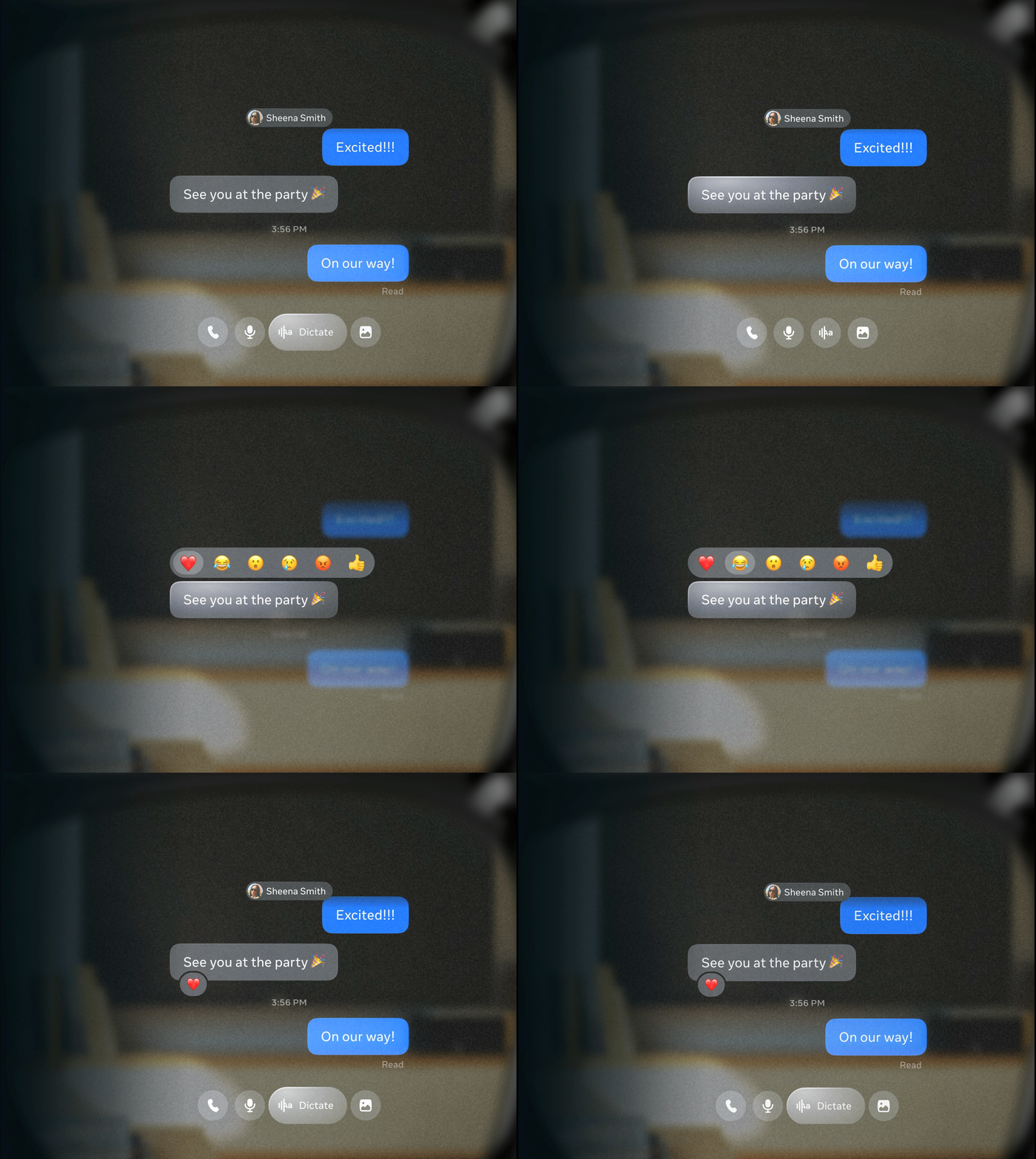
Users can pinch or utilize various input methods to quickly react to messages with delightful emojis.

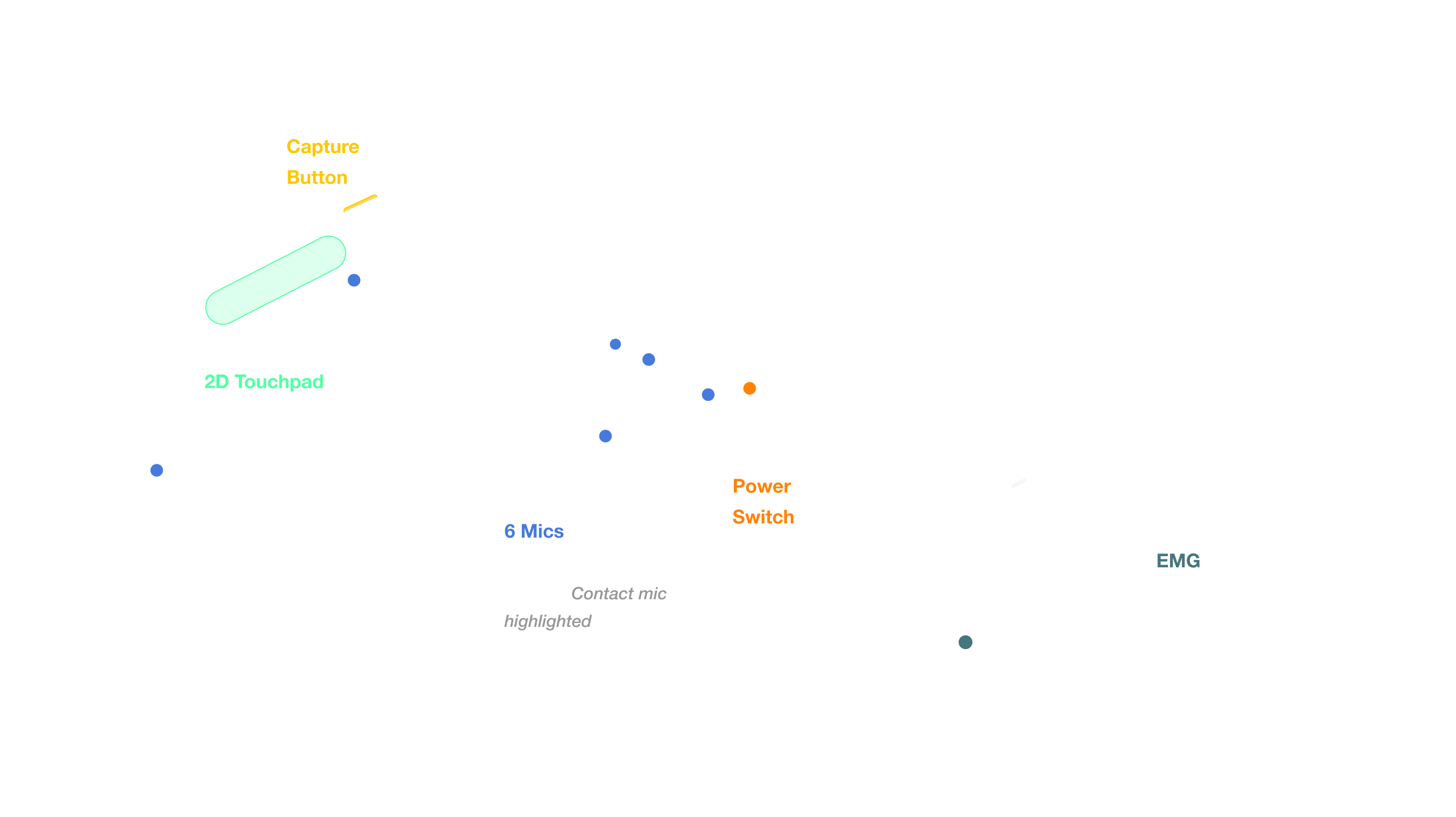
Expected to be the main input method. EMG is quick and discreet.

Allows hands-free use cases, and accelerates certain features.

Available as complementary input and reliable backup.